
Business · Agentic Workspace
A workspace where your whole
team shares its agents
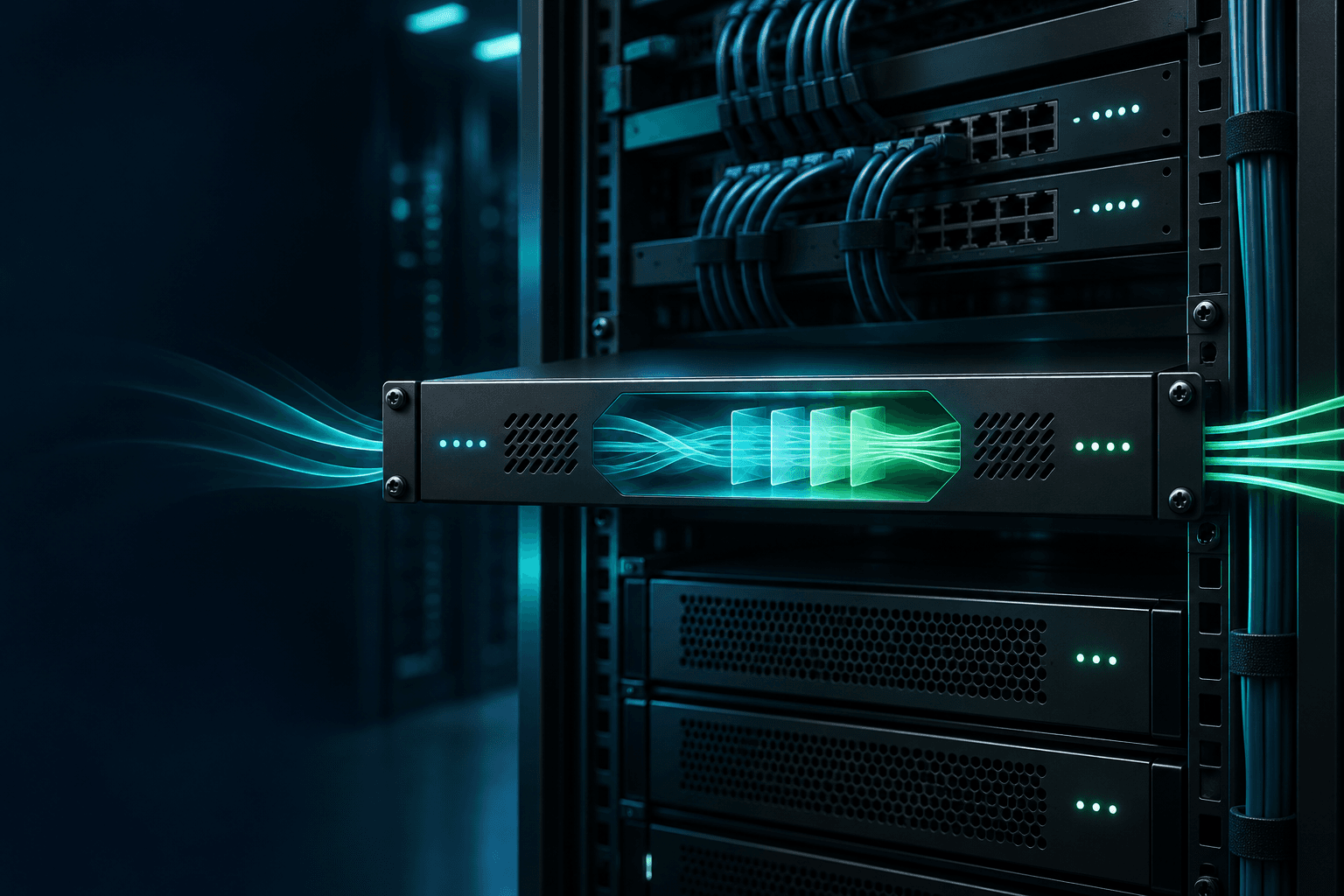
An internal agent workspace built on your servers, gateway and routing
AI agents for social cards, e-books and proposals often run separately in their own terminals or GUIs. We bring them into one workspace where the whole team can run and share them. Built on top of on-premises systems, gateways and routing, it gives you a stable environment for multiple AI models.
Every request passes safely through a security pipeline, and you can connect multiple internal databases and base AI on a specific one as needed. Register and configure MCP, apps, skills and databases to fit your company's work, and share runs and results across the team.

- A stable environment for multiple AI models, built on on-premises systems, gateways and routing.
- Every request is safely processed through a security pipeline that checks for injection, personal data and confidential information.
- Connect multiple internal databases and use a specific database as the basis for AI as needed (grounding).
- Run task-specific AI agents for social cards, e-books, proposals and more inside the workspace.
- Share agents that used to run separately across the team, including runs, results and sessions.
- Register, configure and operate MCP, apps, skills and databases to fit your company's work.
Your agents are scattered everywhere.
When agents for social cards, e-books and proposals each run in a different terminal or GUI, they cannot be shared or controlled. A workspace brings them together for the team to use.
Scattered agents
Each agent runs in a different terminal or GUI, so nothing can be shared or reused.
Answers without evidence
Without a link to internal databases, you get only generic answers that do not help real work.
Unstable model use
Without on-premises systems, gateways and routing, model use is inconsistent.
Control and audit blind spots
With no record of who used which agent or database, security is vulnerable.
Switching on an agent is not the same as using it together.
Running a single agent is not enough. For a workspace the whole team can use reliably and safely, all of the following has to be in place.
Stable multi-model environment
Use multiple models reliably on top of on-premises systems, gateways and routing.
What changes after adoption.
Agents that used to run separately come together in one workspace for the whole team.
Grounding answers on a specific database produces results ready for real work.
Everything runs stably and safely on an on-premises, gateway and routing foundation.
From consultation to adoption in five steps.
Assessment and consultation
Review current AI usage and regulatory requirements to define the deployment scope.
Pilot and PoC
Validate benefits and risks through a small pilot using real work.
Build and integrate
Configure servers, gateways and routing, then connect your existing systems.
Team training
Train staff in everyday use and operations to support internal adoption.
Operate and embed
Support budget, security and audit operations until AI becomes part of daily work.





Start with consultation
Move your AI plans forward.
From accounts to security,
let us handle the operations.
A gateway deployment goes beyond buying software.
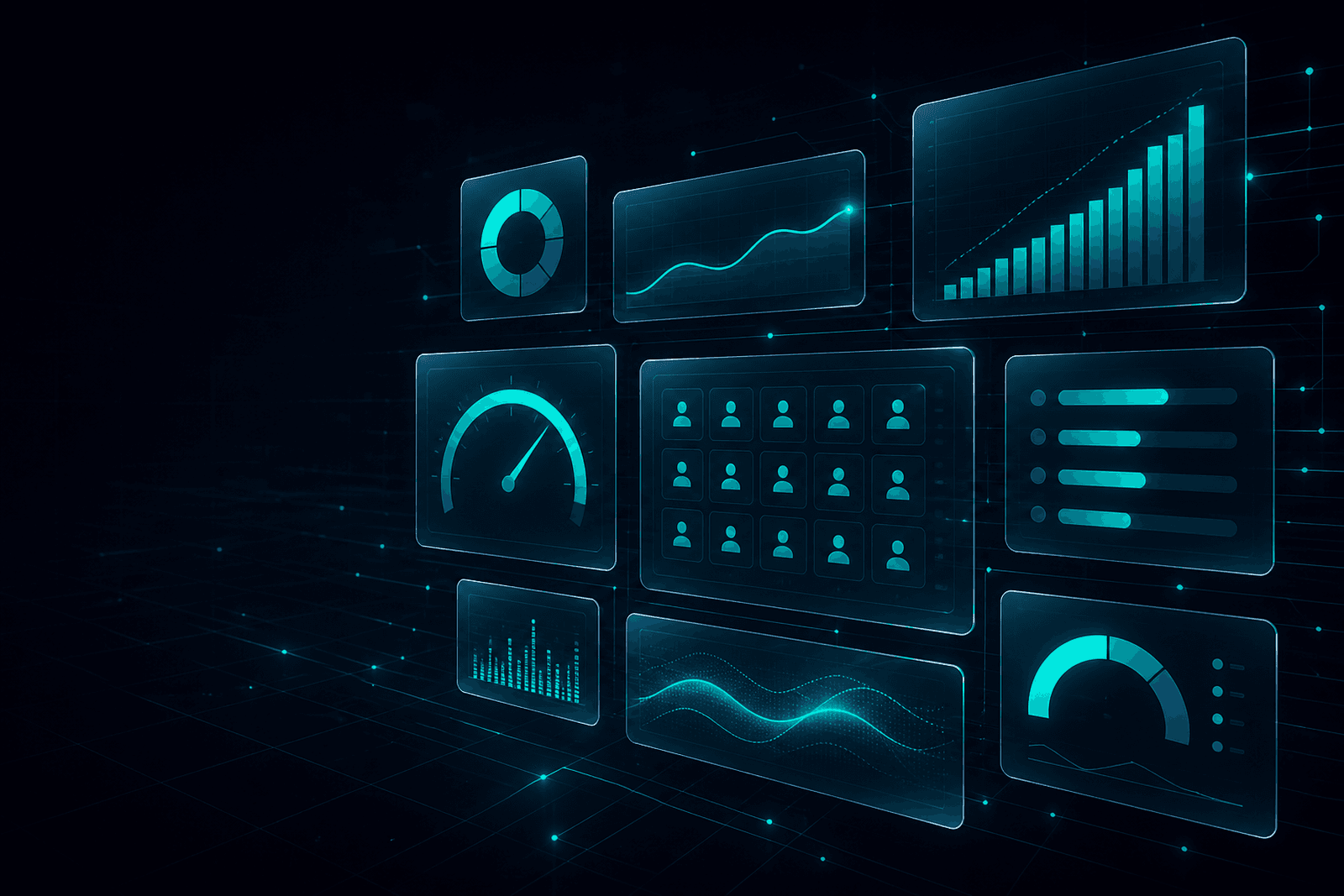
Stay in control with a transparent dashboard.
Our first consultation covers your team size, requirements, deployment scope and timeline.
Setup typically takes 1–3 business days.